(01) — Problem
A system that couldn’t keep up
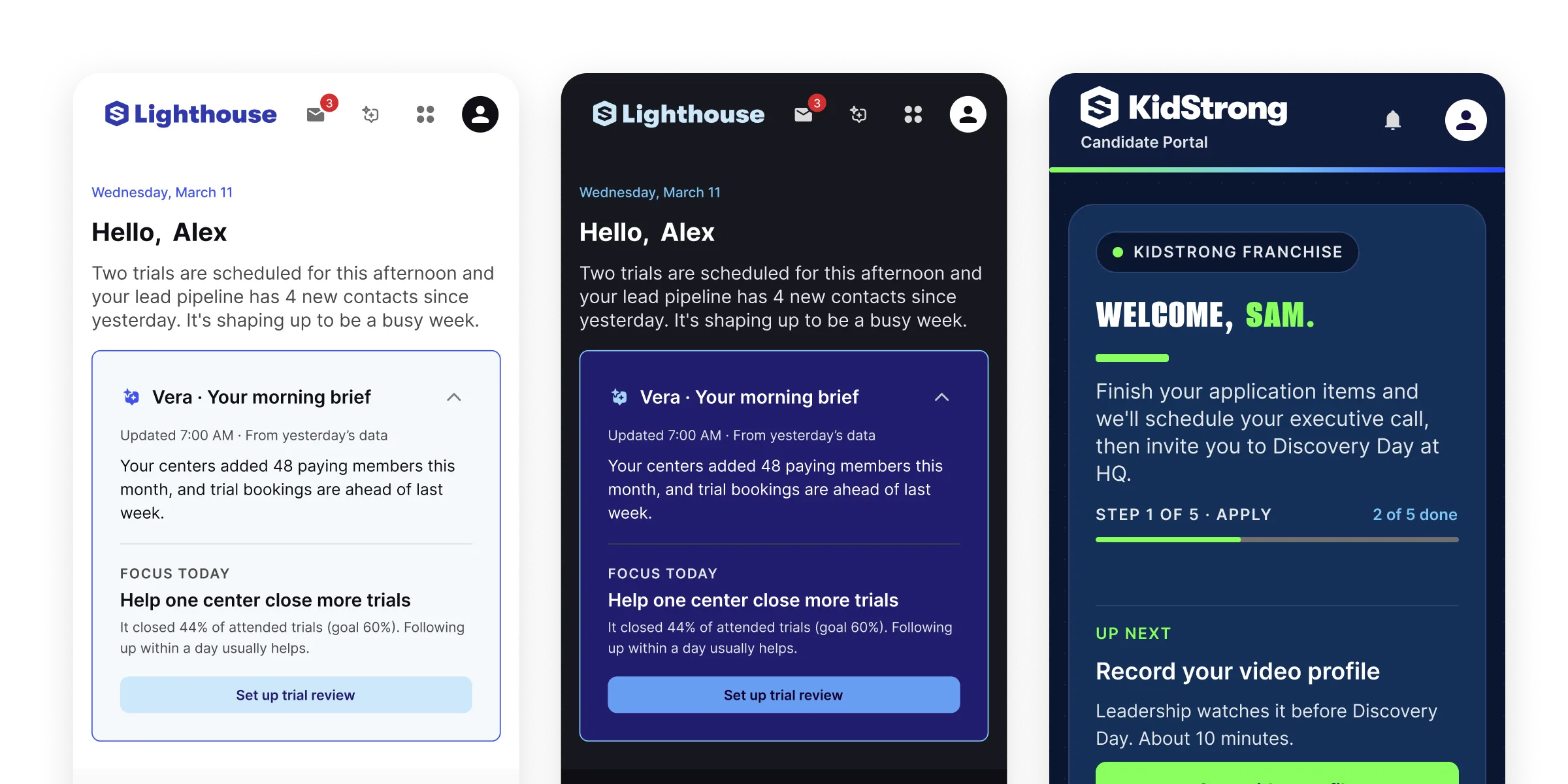
KidStrong’s earlier apps were native and built in Unity. Lighthouse was something new: a responsive web platform with apps for HQ, owners, managers, coaches and parents. When I started designing its first screens in January 2025, there was no system for it. I built Beacon UI from scratch.
A year in, the cracks showed. Developers were hardcoding colors. Components were generic, and very few rules were written down. Light and dark mode didn’t hold up. Our team moves fast, so when a design wasn’t ready, developers filled the gaps themselves. Each gap became design debt, and a thin component set slowed down every new feature I designed.
(02) — Constraints
What I had to work within
- Speed. Development moves faster than design. Some features ship without designs at all, so the system has to be good enough to build from on its own.
- One designer. I design Lighthouse features and Beacon UI at the same time. There’s no separate systems team.
- Fitting the roadmap. System work competes with features. The product manager and I slot it into the dev roadmap between feature work.
- Live apps. Not all of Lighthouse can move to the new system at once, so old and new have to live side by side.
(03) — Key decisions
Five calls that shaped the system
Decision 01
One collection for color
The call
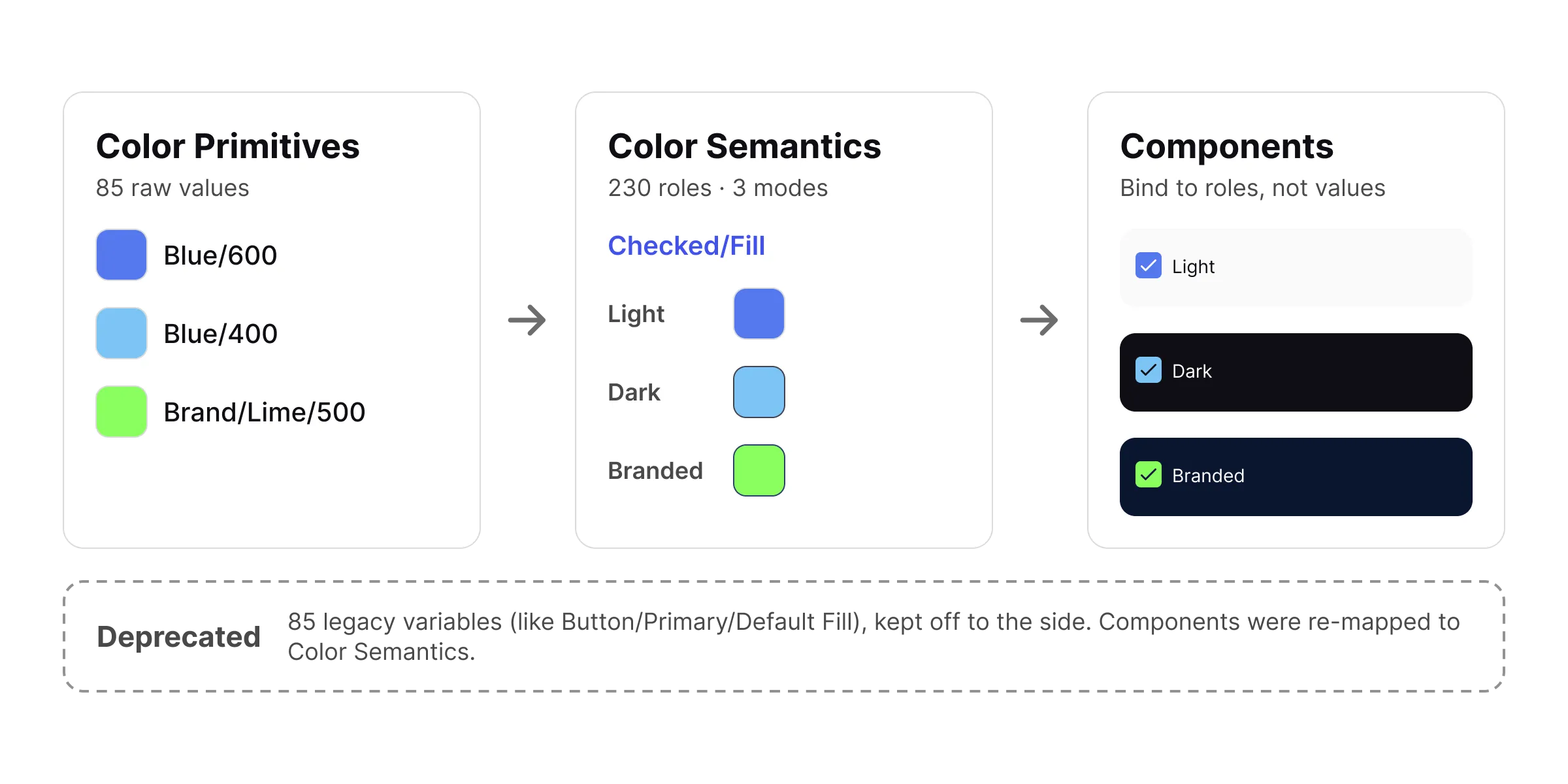
I merged the old color variables into a single collection, Color Semantics, and moved legacy tokens into a scoped Deprecated collection.
Why
The old variables were split across overlapping groups, which made it easy to grab the wrong one. Old tokens stay reachable while apps migrate, and there’s now one obvious place to look.
Decision 02
Fewer, clearer rules
The call
I standardized theme names to Light and Dark, standardized buttons, and turned layer order into tokens so a toast always sits above a dialog.
Why
Small decisions, written down once, so nobody has to guess again.
Decision 03
A third mode instead of a second system
The call
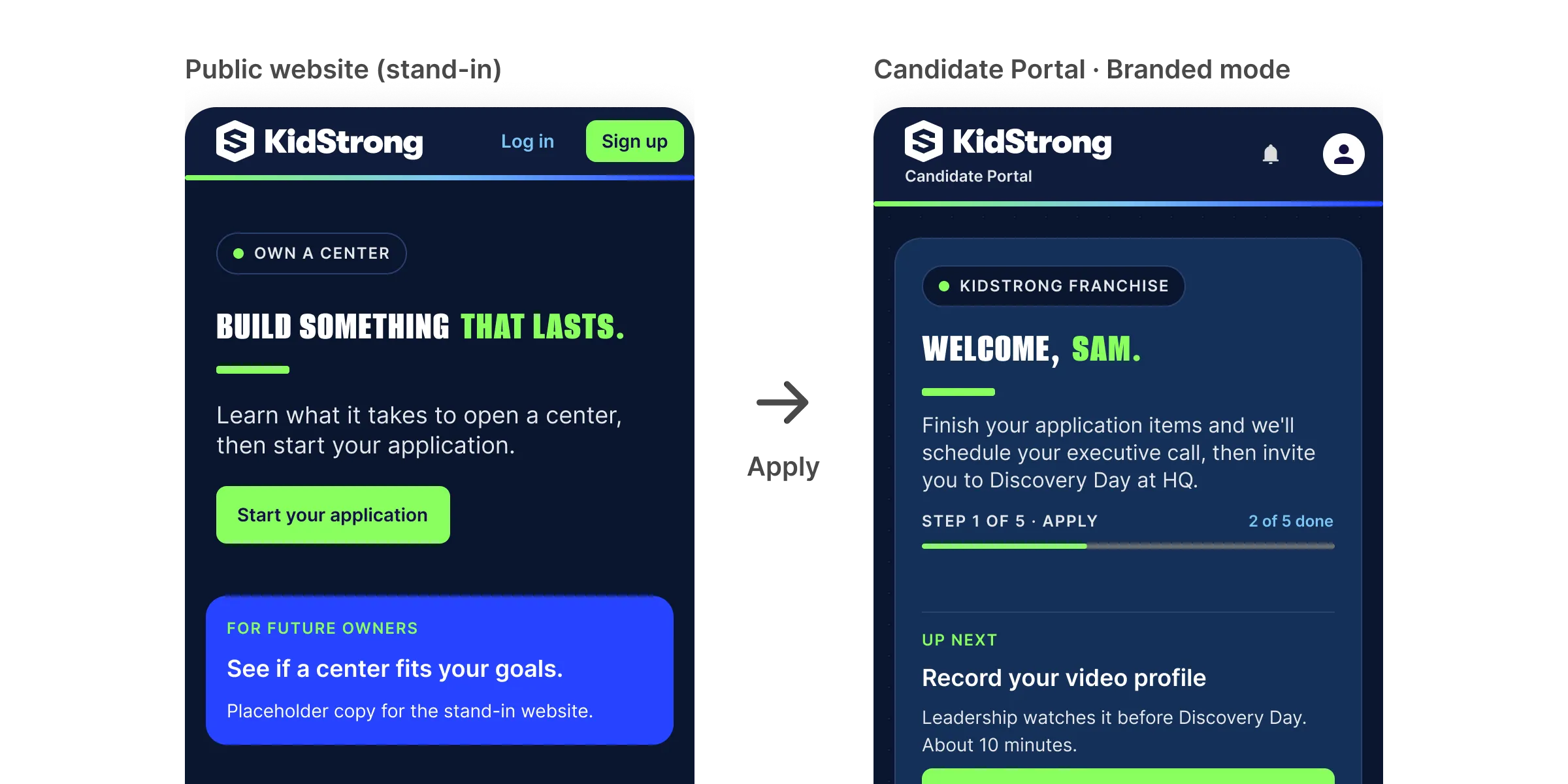
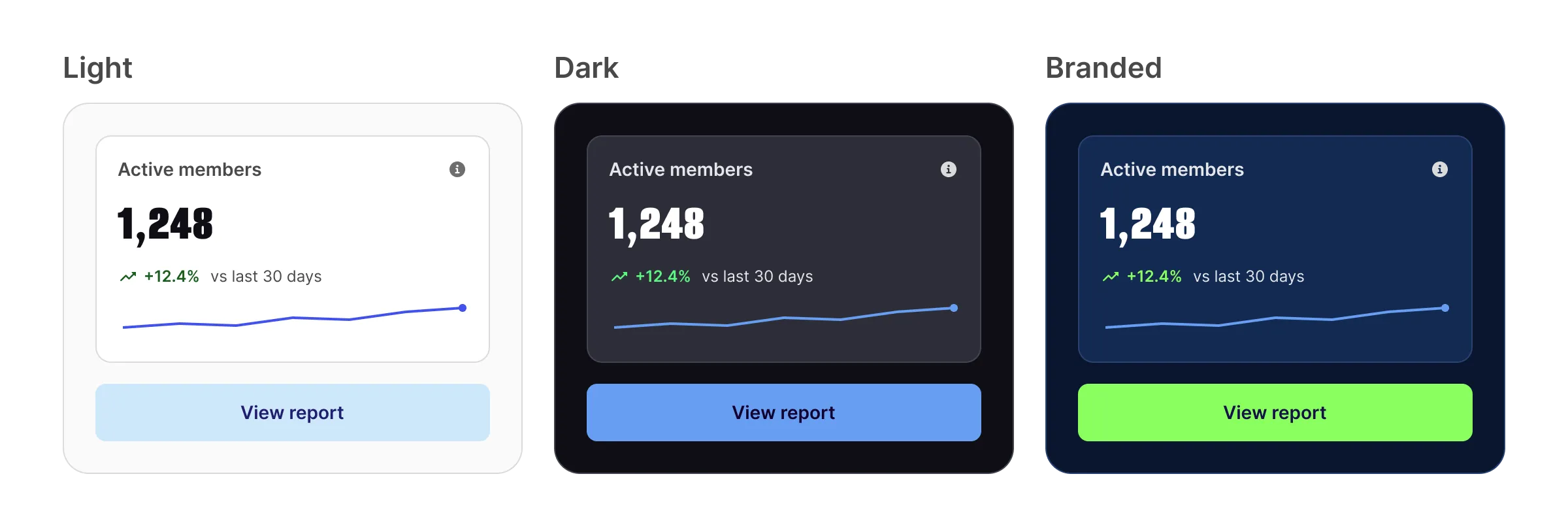
I added a third mode, Branded, instead of building a separate system for external portals. Developers get the same components and the same code, with the brand at the core. It stays just as usable and accessible as the other two modes.
Why
Lighthouse has always put usability and accessibility first. Light and Dark carry KidStrong’s brand without centering it. That works for the people inside the business: HQ, owners, managers and coaches. It doesn’t work for people arriving from KidStrong’s main website, which is fully branded. Landing in a plain operations tool breaks the trust that site just built.
Decision 04
Meet developers where they are
The call
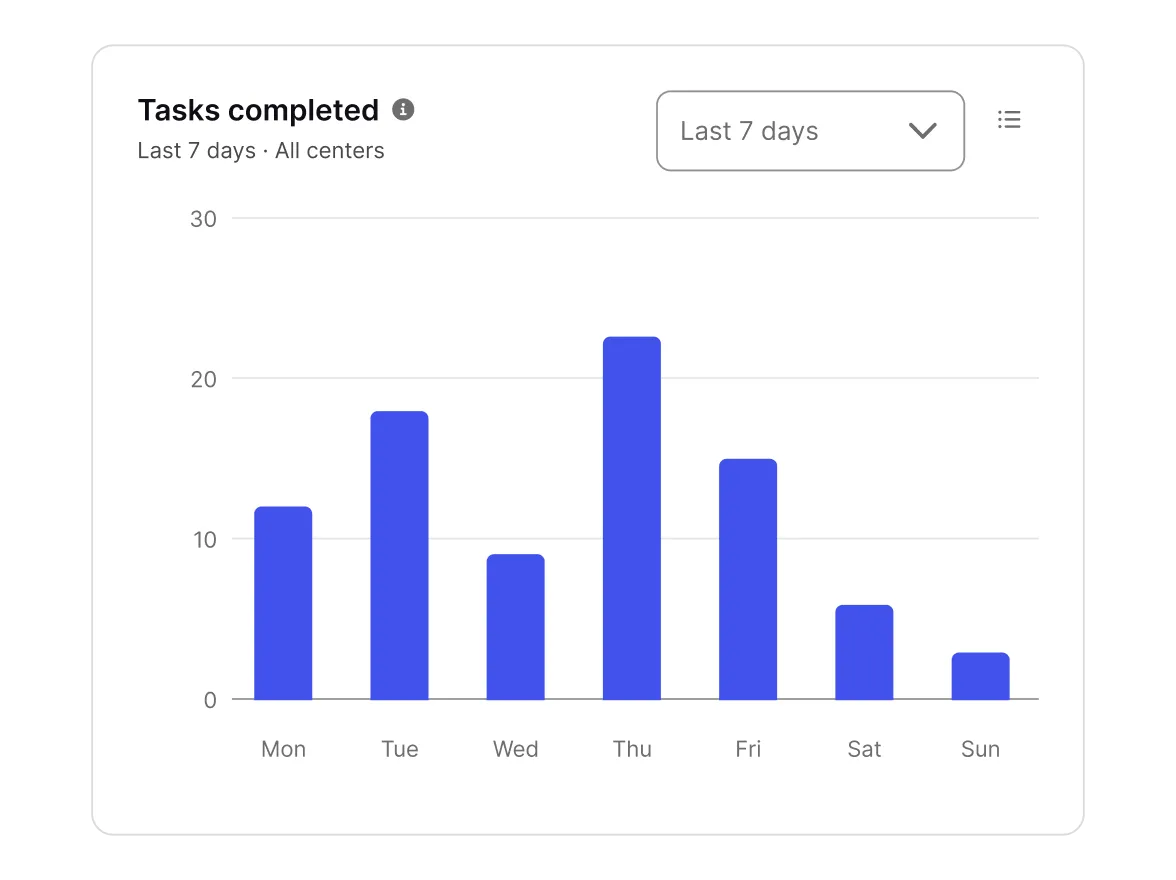
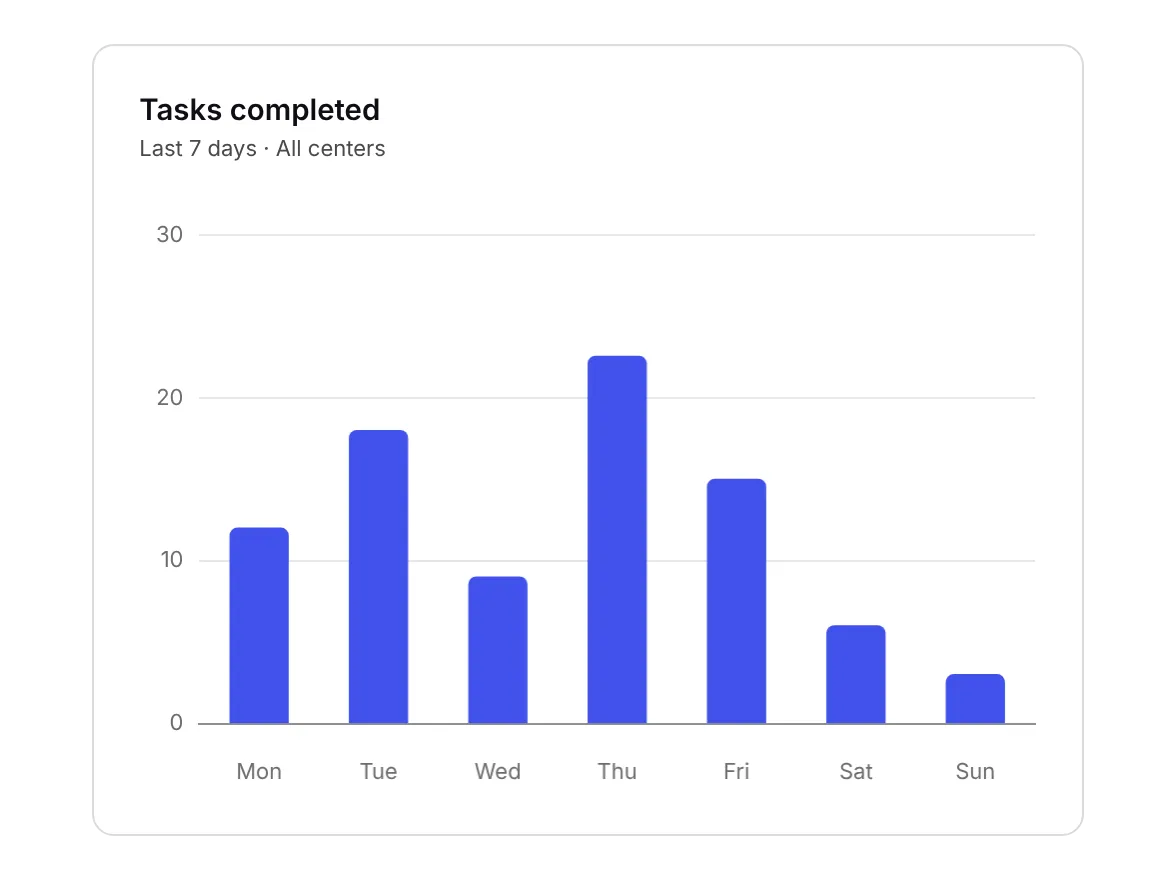
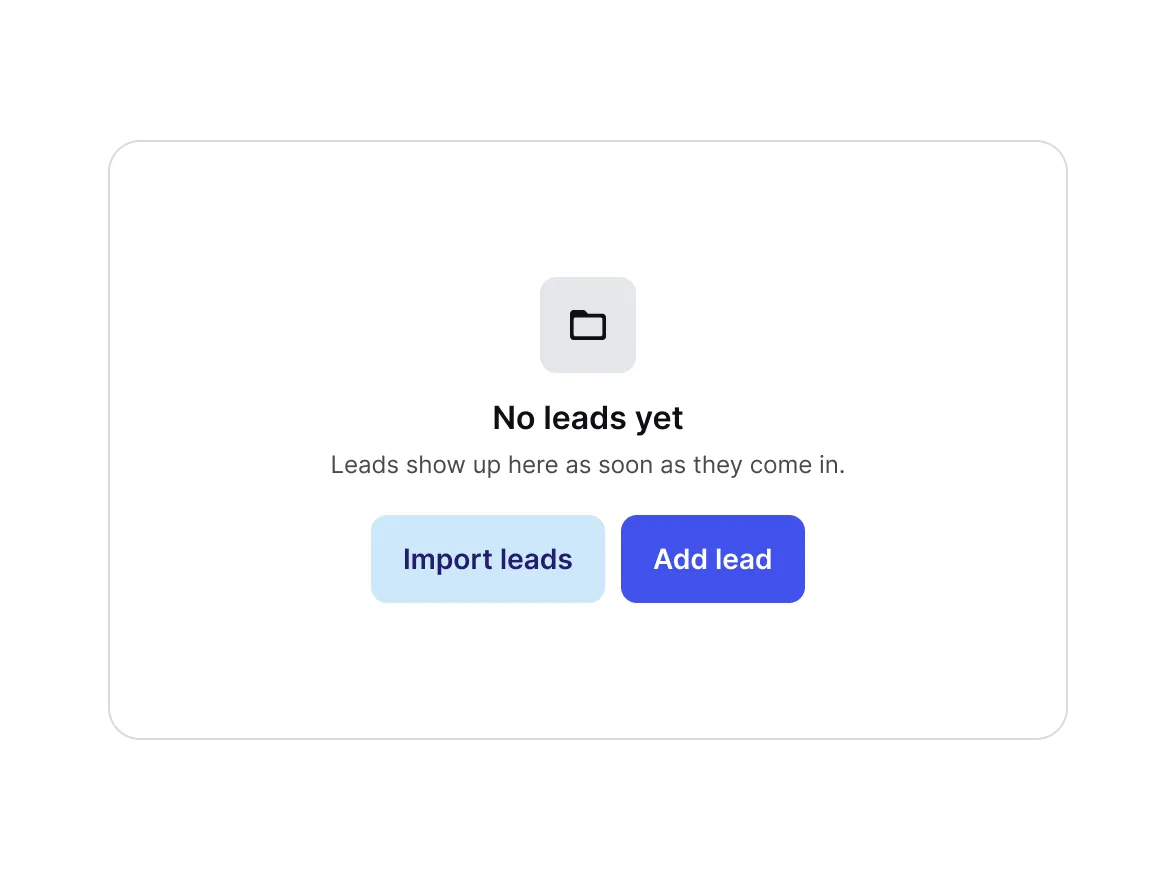
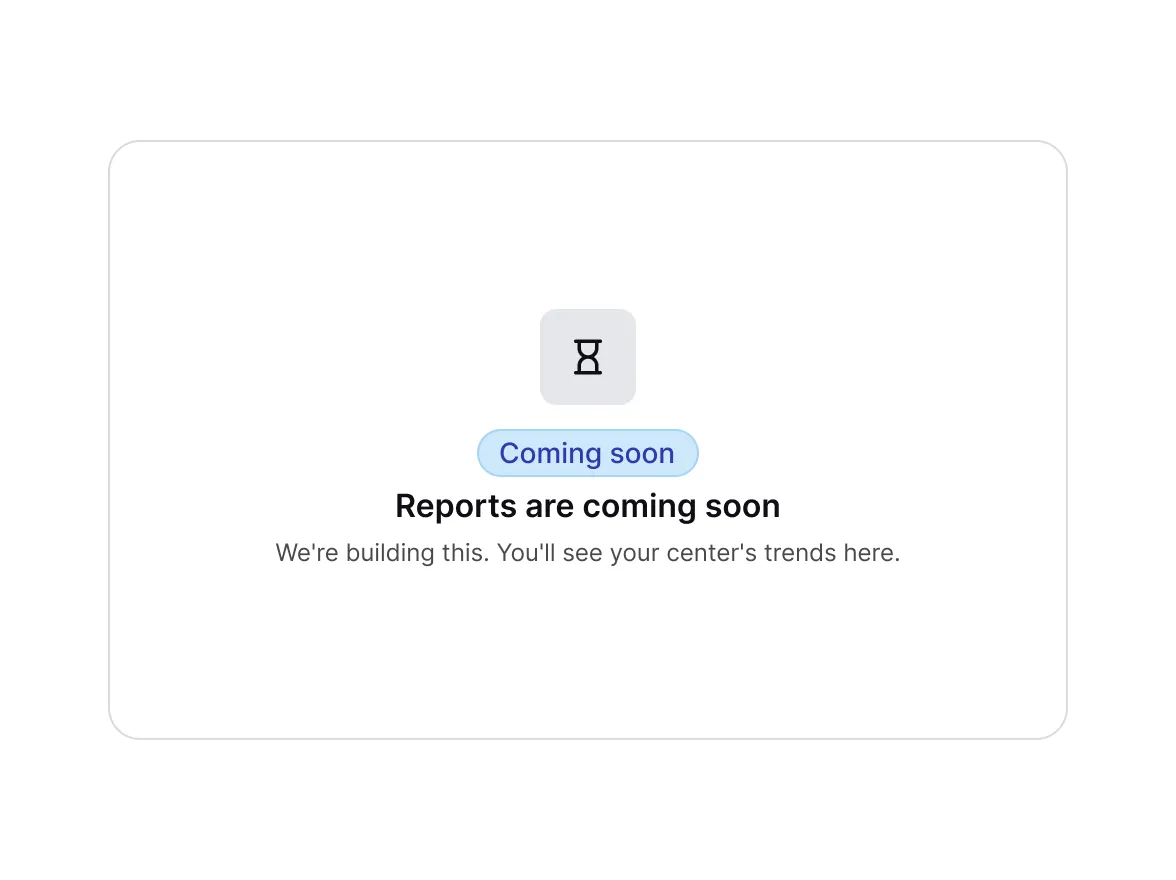
I built Beacon’s chart components to match Chart.js: the same chart types, options and naming. I also added “Coming soon” states next to empty states.
Why
Our developers build charts with Chart.js. A design that maps straight to the library is one they can build fast. And “Coming soon” is how features actually ship here.
Decision 05
Handoff as part of the system
The call
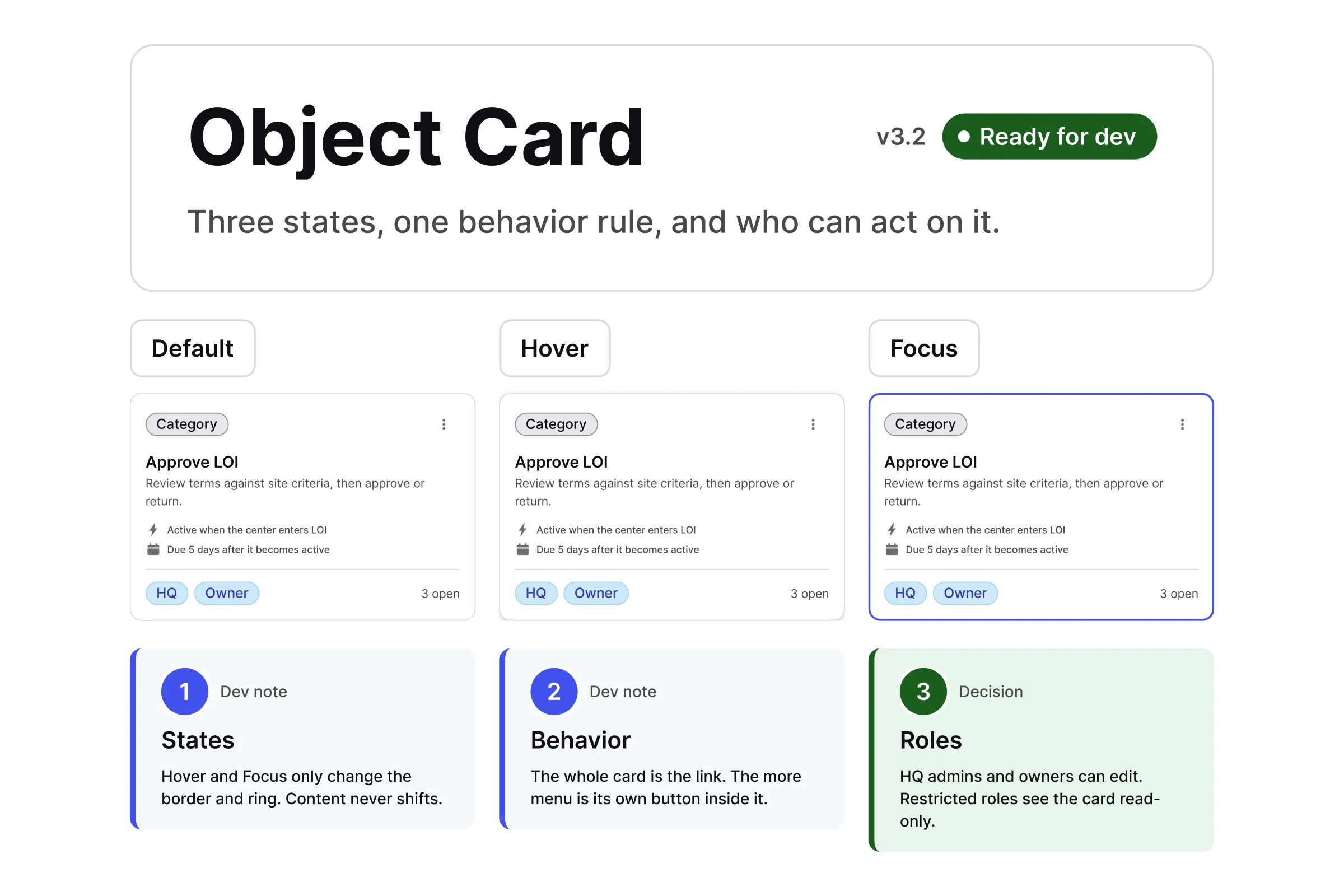
I turned our dev handoff checklist into a Figma spec. Components move from In review to Ready for dev, and retired ones go through an archive flow instead of disappearing.
Why
Every handoff answers the same questions about states, behavior and roles.
(04) — Solution
One library, three modes
Every component binds to semantic variables, so switching modes changes the look without touching the component.
(05) — Outcome
Clear today. Still clear in a year.
The biggest change is what happens when there isn’t time for a design. Developers now point their coding agents straight at Beacon UI, so even work that skips design starts from a solid foundation. I hear fewer questions about how components behave and which states exist. Not all of Lighthouse runs on the new system yet, but the developers I work with value having one that’s thought through.
123
Components
Component sets in the Beacon UI library.
388
Variables
Active variables: color semantics, primitives and responsive values.
10
Releases
Versioned releases in October 2026, v2.0.0 to v3.2.0.
(06) — Reflection
What I’d do differently
I’d document as I go. I used to wait until components were finished or variables were settled, which left gaps for developers to fill. Now I keep changelogs with every release.
Next, Branded mode gets its real test with KidStrong’s external audiences: members in the Member Portal and franchisee leads in the Franchisee Portal.